Creating a template
Head to the Templates item in the sidebar and click "Add template".
Give your template a name and you'll be asked to connect this template to a data source.
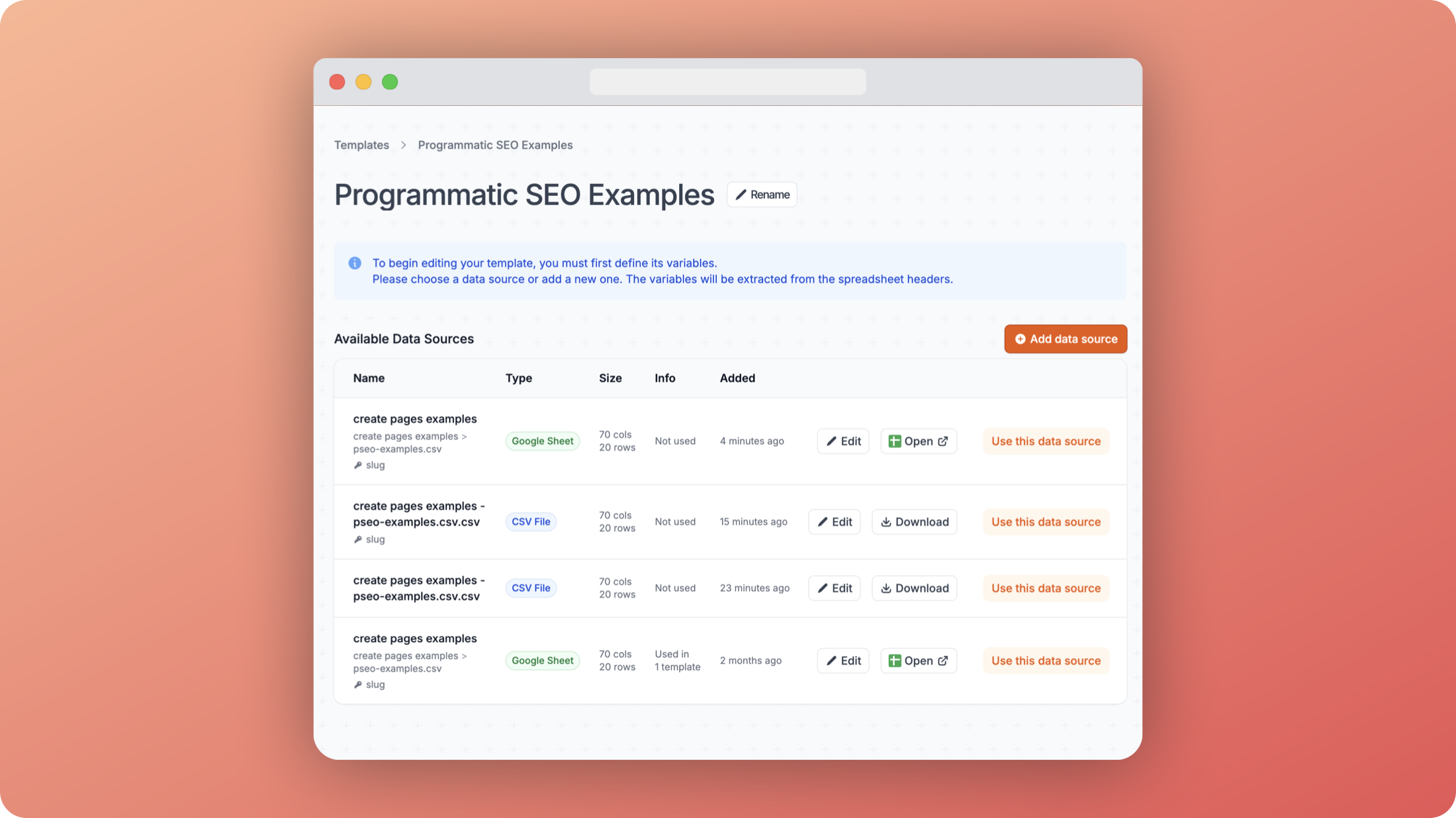 Template data source
For this example, we'll use the first item in the list, which is a Google Sheet. Click "Use this data source".
You should now see a preview of the data in the first row of the data source which you can save by clicking "Confirm".
Your template is now created and ready to use but before we start building it, we need to look at the article settings to make sure it's configured correctly.