Image block
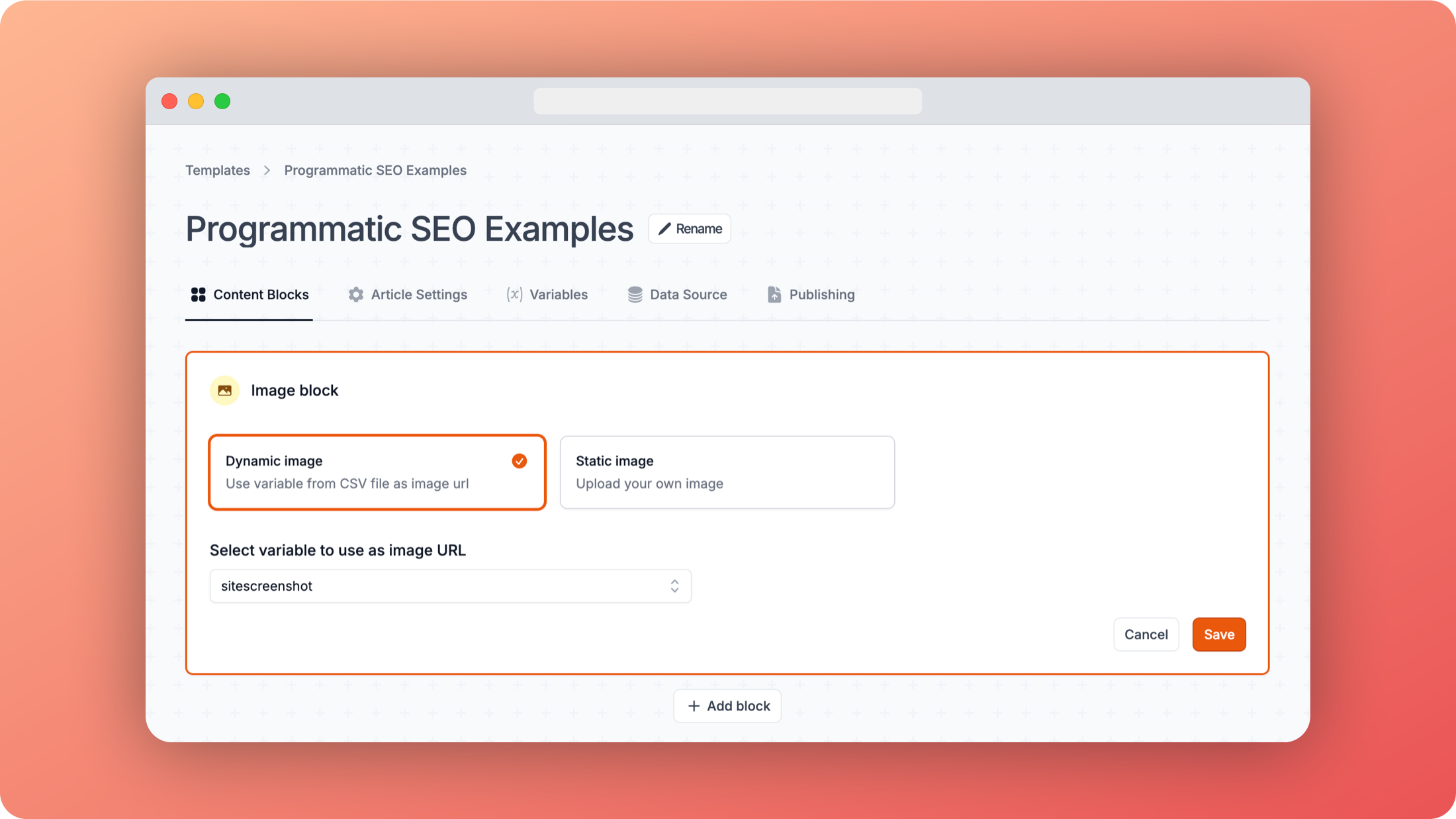
You can use the image block to insert either a static image that you upload via the editor, or by using an image URL specified in your data source.
The static image might be a good option if you want to use an author image that appears on every page, but for most other cases, having a dynamic image based on the row in your data source is a better option.
In the example above, we chose the dynamic mage option and selected the sitescreenshot column variable. This means that for each page, the image will be the screenshot of the site from the data source.