Table block
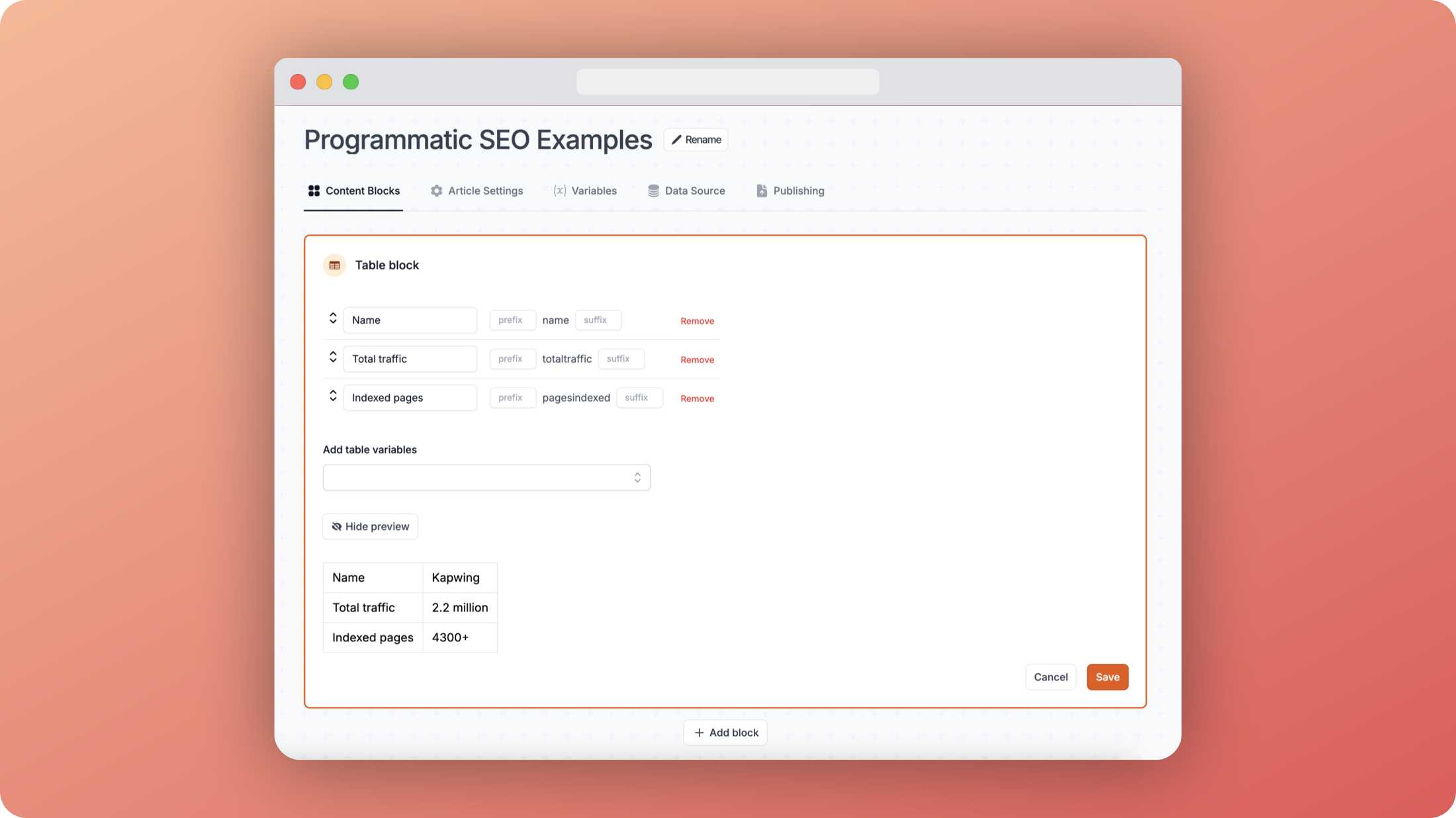
The table block lets you add a simple table of information to your page based on the data in your sheet.
info
We are currently working on a more advanced table block that will allow you to add more complex tables with headers, footers, and more.
How to use
- Add your variables by selecting them from the dropdown or typing their name
- For each variable you can:
- Override the display name (e.g. change "totaltraffic" to "Total traffic")
- Add a prefix (appears before the value)
- Add a suffix (appears after the value)
Preview
The preview section shows you exactly how your table will look. In the example above:
- "Name" displays as "Kapwing"
- "Total traffic" shows as "2.2 million"
- "Indexed pages" appears as "4300+"
You can toggle the preview on/off using the "Hide preview" button.