Adding a Google Sheet
From the Data Sources page, click on the Add data source button in the top right corner, choose Google Sheets and Import From URL.
From here, you can provide a Google Sheet URL we can use to import your data.
In order to use this feature, you need to make sure the Google Sheet is public. We are working on a way to allow private sheets to be used, but this is not yet available.
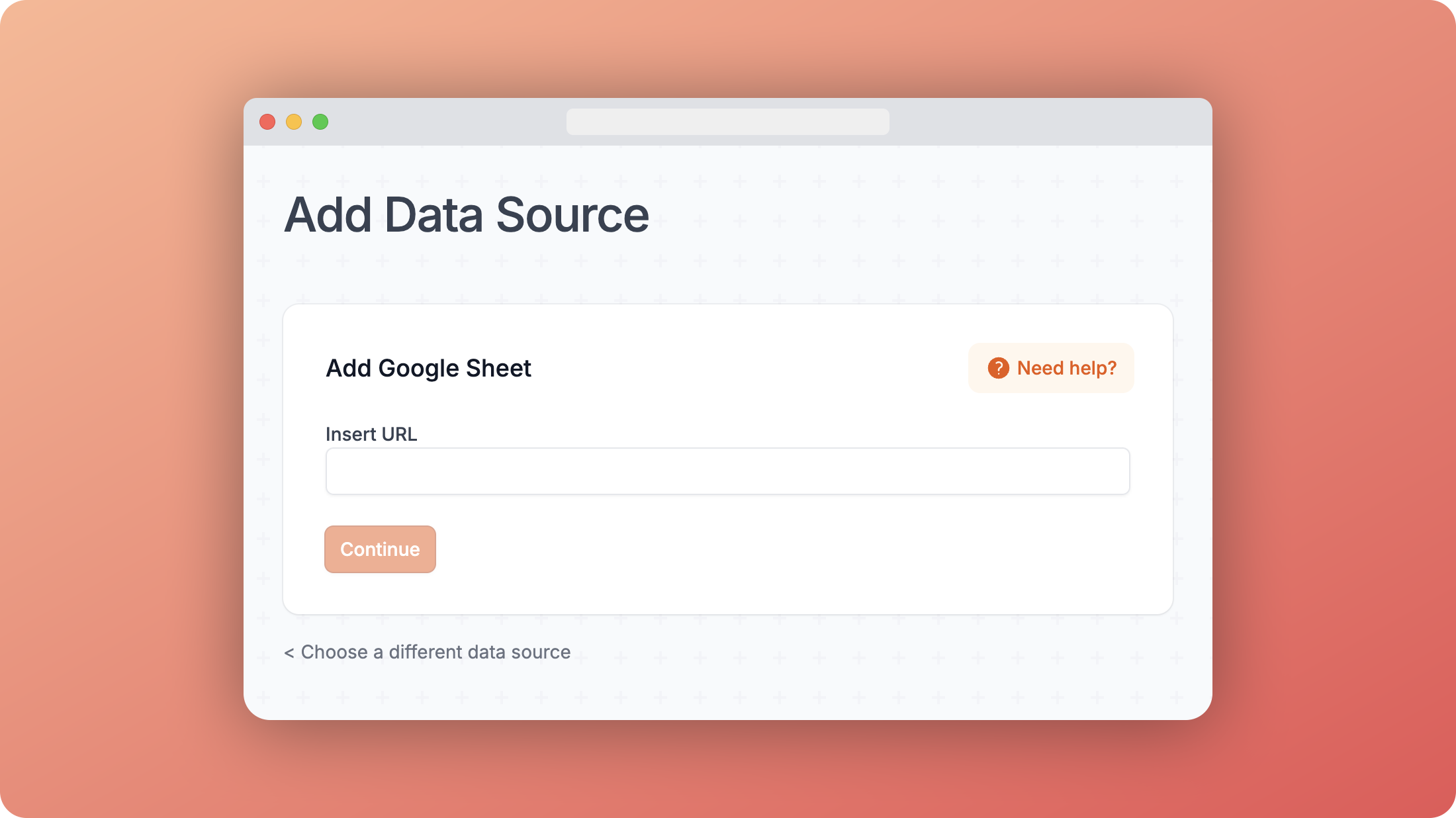
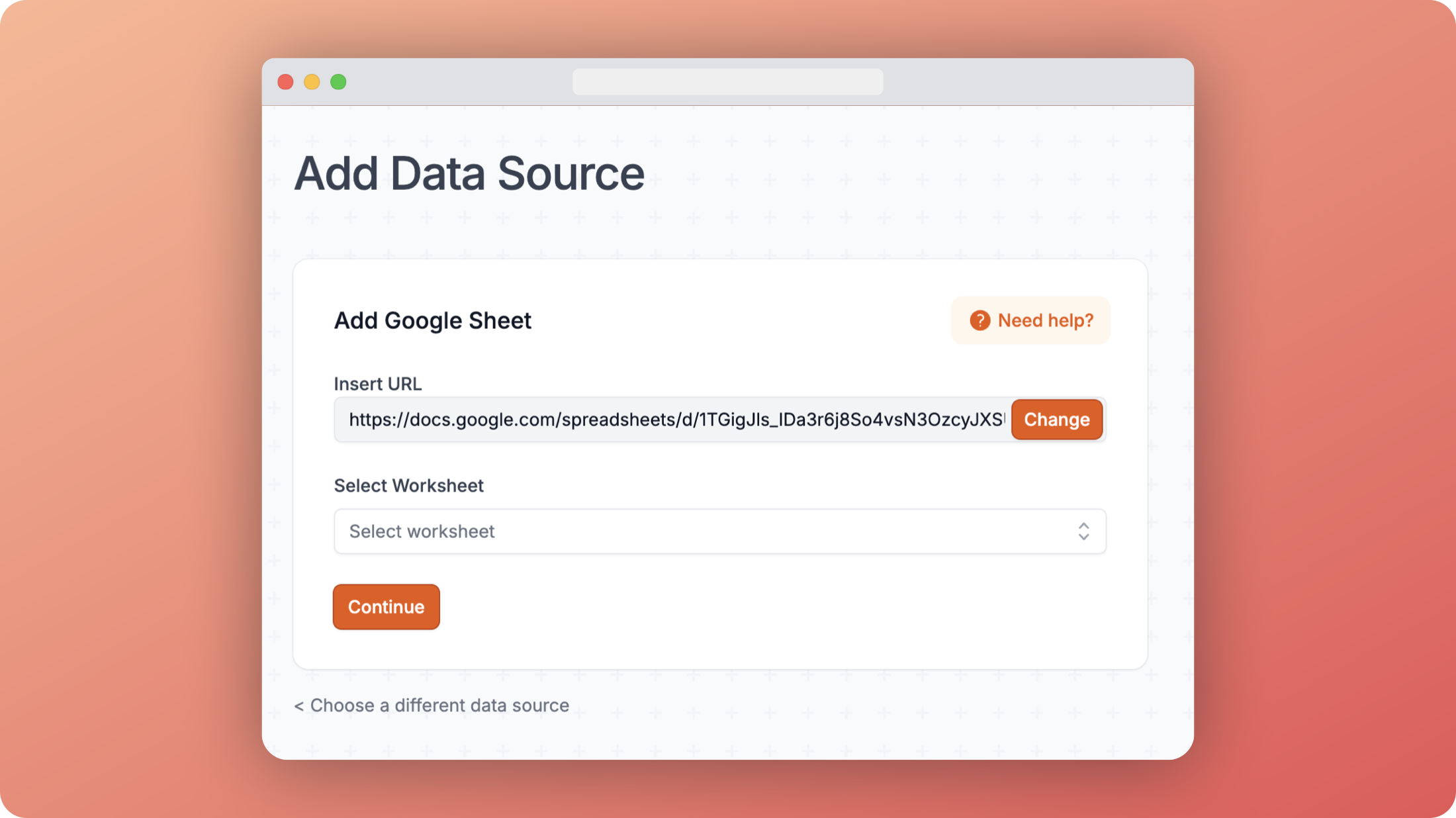
Once you've provided the URL, you can also choose the worksheet you want to import. This is really useful because you can use the same Google Sheet with multiple worksheets to power different templates and content sections of your site.
Finally, just like with a CSV, you must choose a unique column as the key. This is important because it means each row can be uniquely identified, and if you ever need to update the data source, you can do so by uploading a new CSV file.
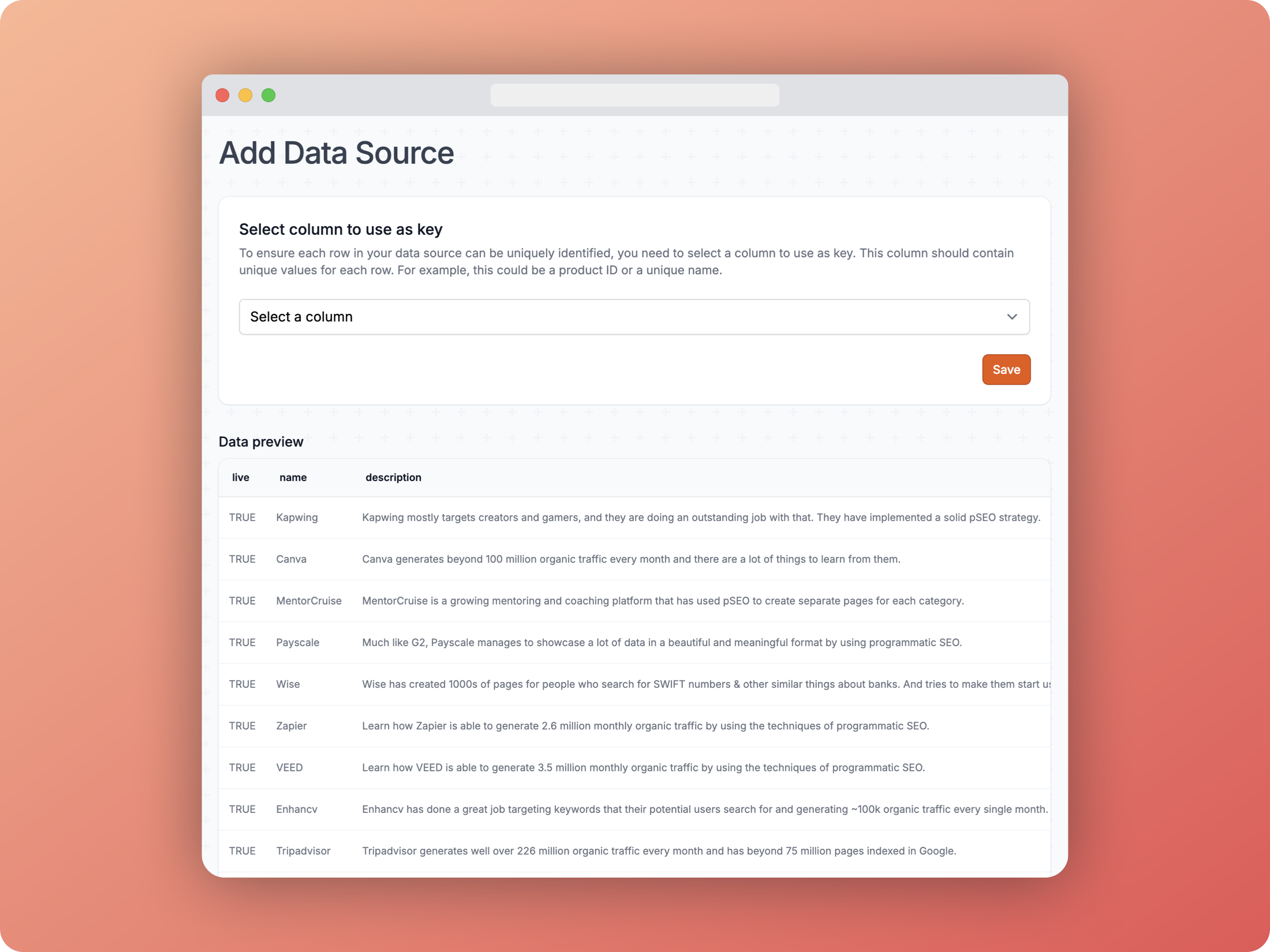 Google Sheets key