AI settings
Once you have your API keys set up, it's time to define the AI settings for your content and image generation.
In the AI settings tab on your profile page, you have a number of options.
All of these options will be applied to new templates you create, but you can also overwrite them on a per-template basis.
Content settings
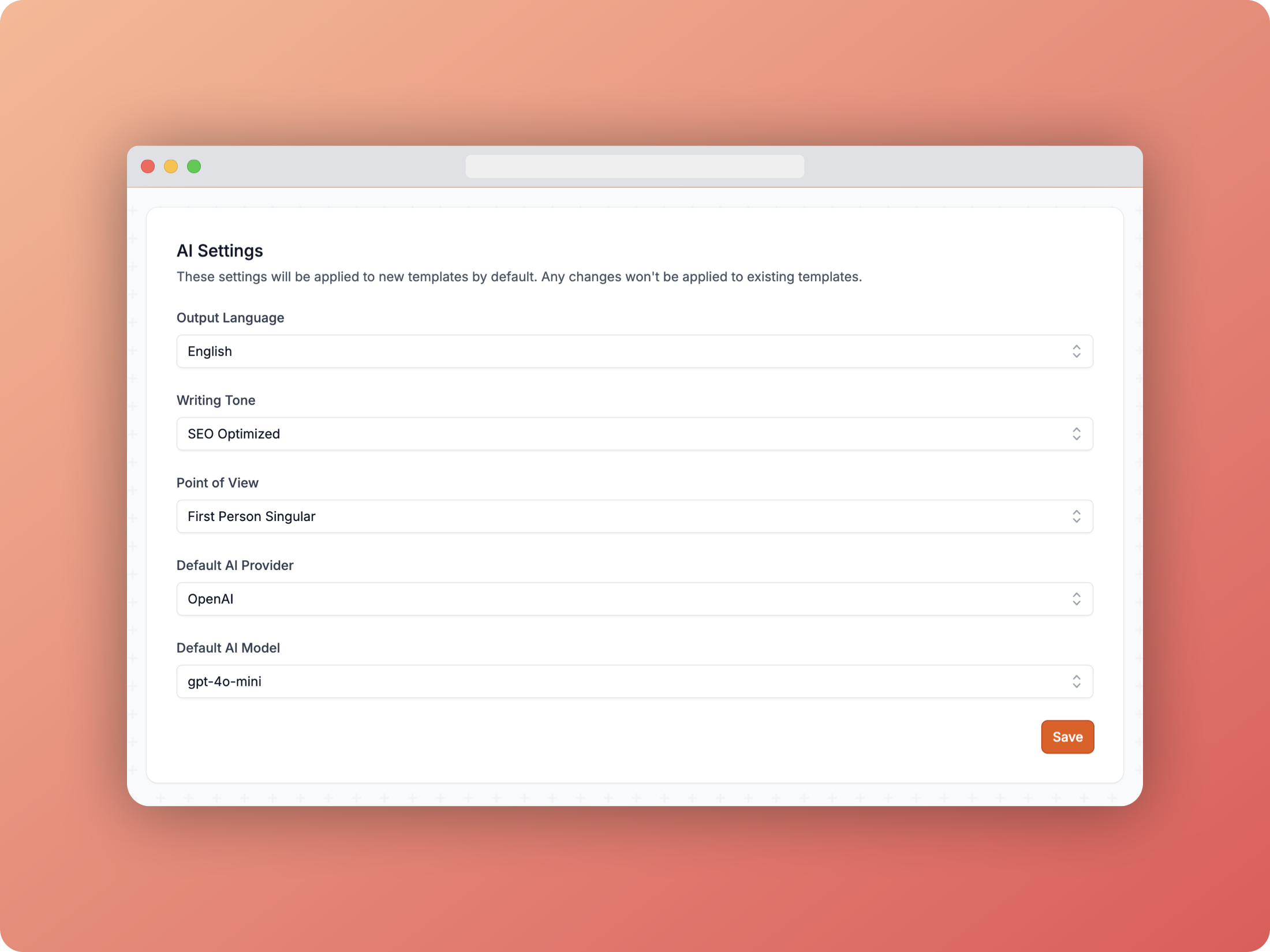 Content AI settings
In this settings panel for AI-generated content you can choose:
- The output language
- The writing tone
- SEO optimized
- Casual
- Excited
- Formal
- Friendly
- Humorous
- Professional
- The point of view
- First person singular
- First person plural
- Second person
- Third person
- Default AI provider
- OpenAI
- Anthropic
- Default AI model
- OpenAI:
gpt-4o,gpt-4o-mini - Anthropic:
claude-3-5-sonnet-20240620,claude-3-5-sonnet-20241022,claude-3-opus-20240229
- OpenAI:
Image settings
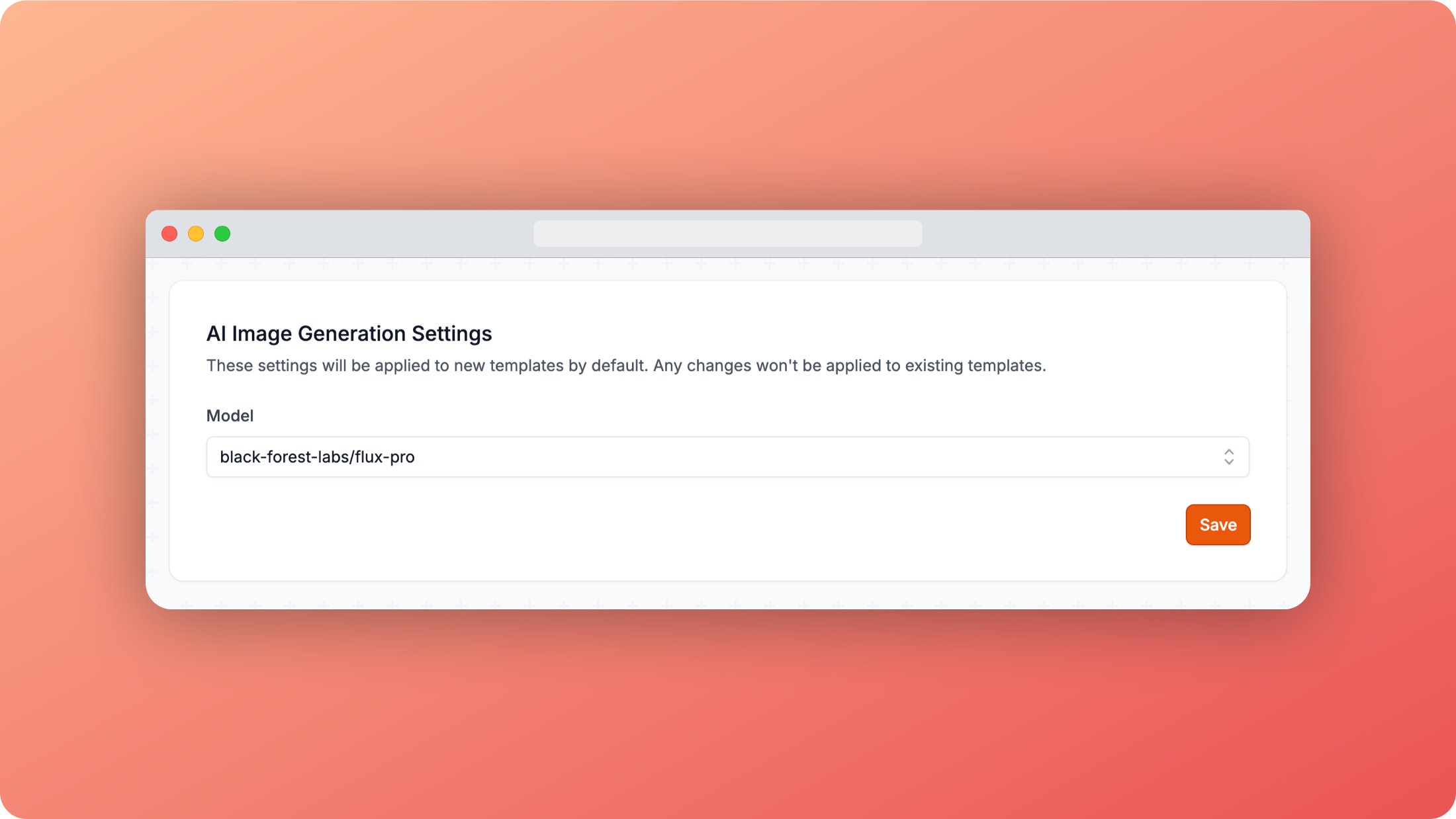 Image AI settings
In this settings panel for AI-generated images you can choose the model to use for image generation. We recommend using either black-forest-labs/flux-pro or black-forest-labs/flux-schnell for the highest quality possible images.
- Default AI model
ai-forever/kandinsky-2.2ai-forever/kandinsky-2black-forest-labs/flux-pro(recommended)black-forest-labs/flux-schnell(recommended)bytedance/sdxl-lightning-4stepstability-ai/stable-diffusionstability-ai/sdxl