Publishing to WordPress
To publish your content to WordPress, go to Publishing > Publish Articles in the sidebar.
- Select the template you want to use
- Click "Choose template"
- Preview the data or change the data source if you want
- Optionally change the number of articles to publish
- Click "Continue"
- Click "Change site" if you want to publish to a different site
- Review your publishing settings
Once you are happy with your settings you can click the "Publish now" button to start publishing to WordPress.
If you are using Google Sheets as your data source, you also have the option to "Schedule Sync".
This will sync your data to WordPress at a regular intervals, keeping the content up to date as the data changes.
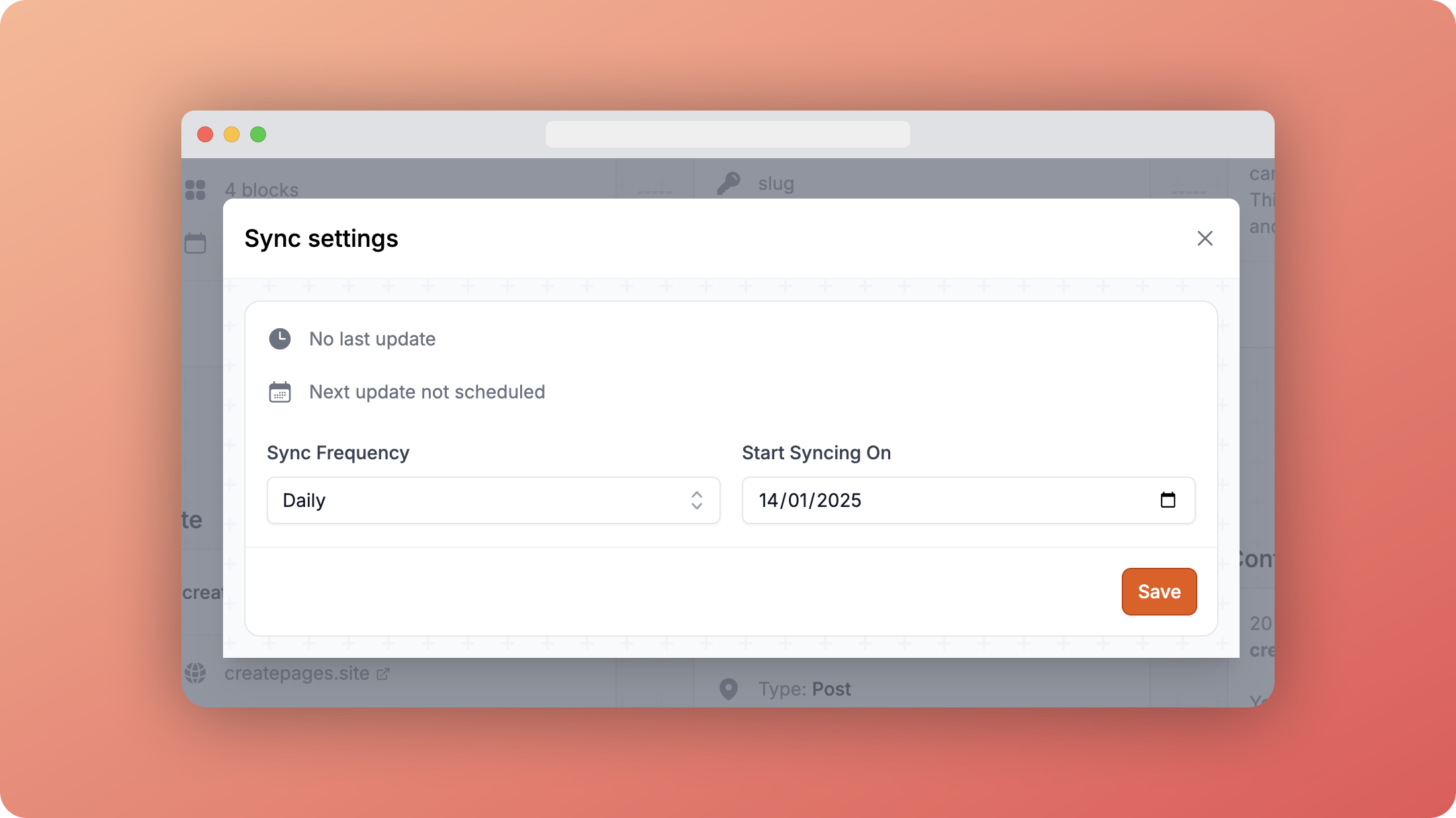
Choose your sync frequency and the date to start syncing from and click "Save".