Adding a CSV file
Uploading a CSV file is a quick and easy way to get started with a data source.
From the Data Sources page, click on the Add data source button in the top right corner.
Select the CSV File option and you'll see the file upload form.
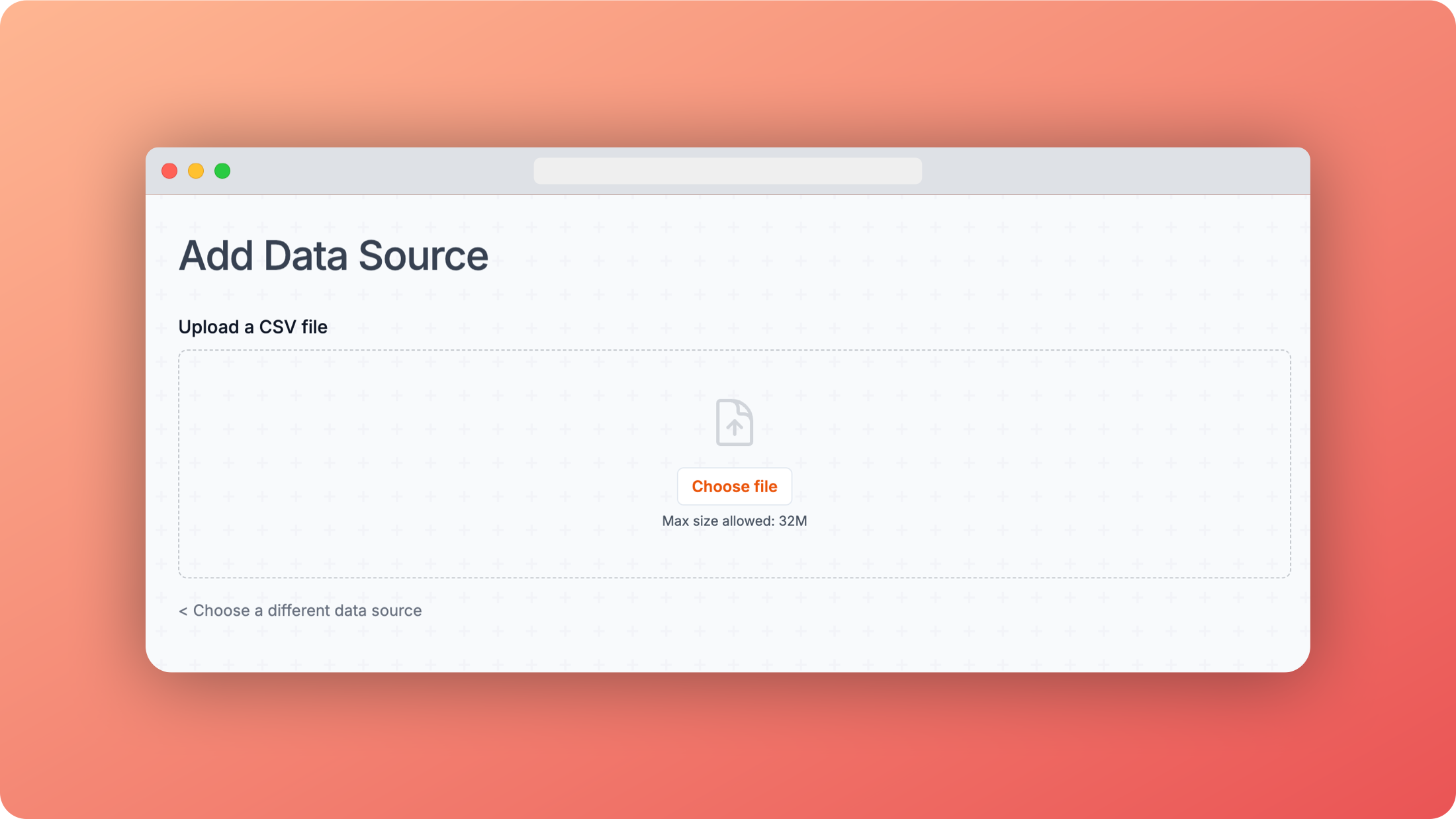 Add CSV
Once the file has been uploaded, you'll see a preview of the data and an option to choose a uniqu column as the key.
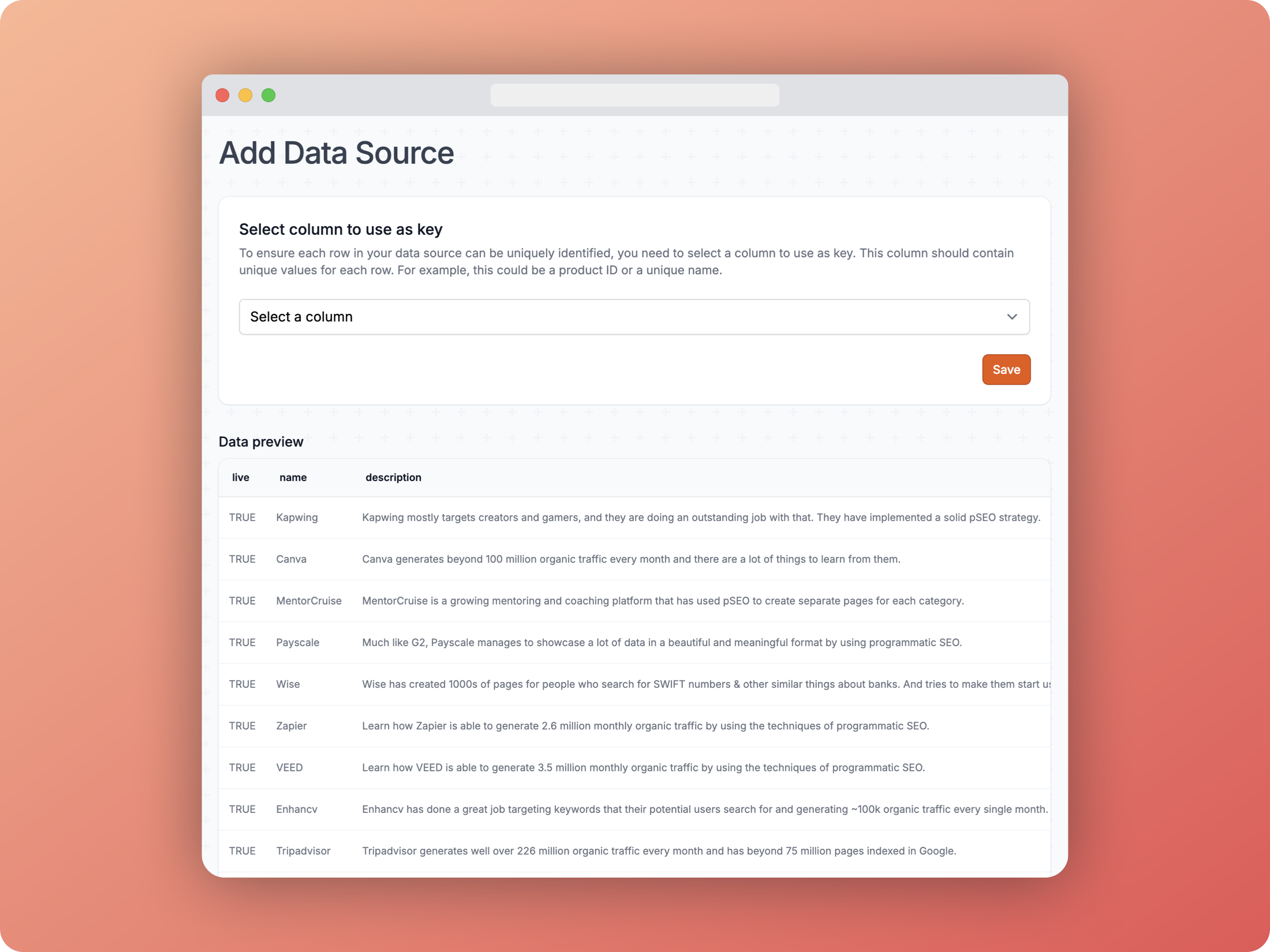 CSV preview
This is important because it means each row can be uniquely identified, and if you ever need to update the data source, you can do so by uploading a new CSV file.
Once you have chosen the column and saved it, your data source is ready to use.
CSV is a great option to start testing with, but it becomes more difficult to manage as your data updates or changes in any way.
For the most streamlined and automated experience, most users should be using Google Sheets as a data source instead.
Keep reading to learn why the Google Sheets integration is better, and how to set it up.